MCP setup
What MCP gives you
MCP (Model Context Protocol) lets an AI agent such as Claude Code work on your project for you. You ask in plain words, for example "add a synonym so that scotch finds tape", and the agent calls the matching tool. It sees the same project and follows the same rules as the cabinet, and its changes show up in the cabinet like anything you set up by hand.
The MCP server is part of the API, at https://api.search.zaproo.cloud/mcp. It uses the same secret keys as the REST API. The key's project is the project every tool acts on, and a key limited to some indices reaches only those.
Connect Claude Code
Open the MCP connection page
Open the project and click MCP connection in the project menu. The page shows the endpoint, a ready-made command under Connect Claude Code, and the list of tools under Tools.
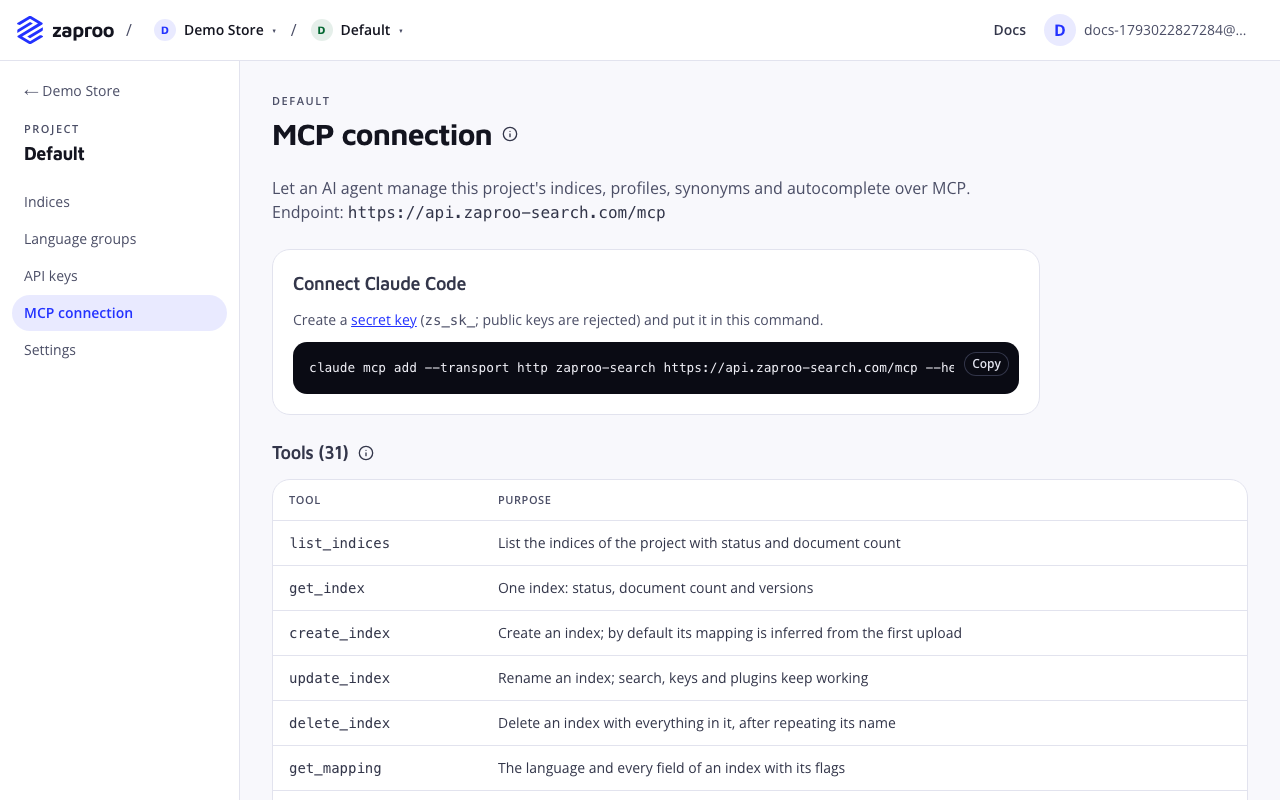
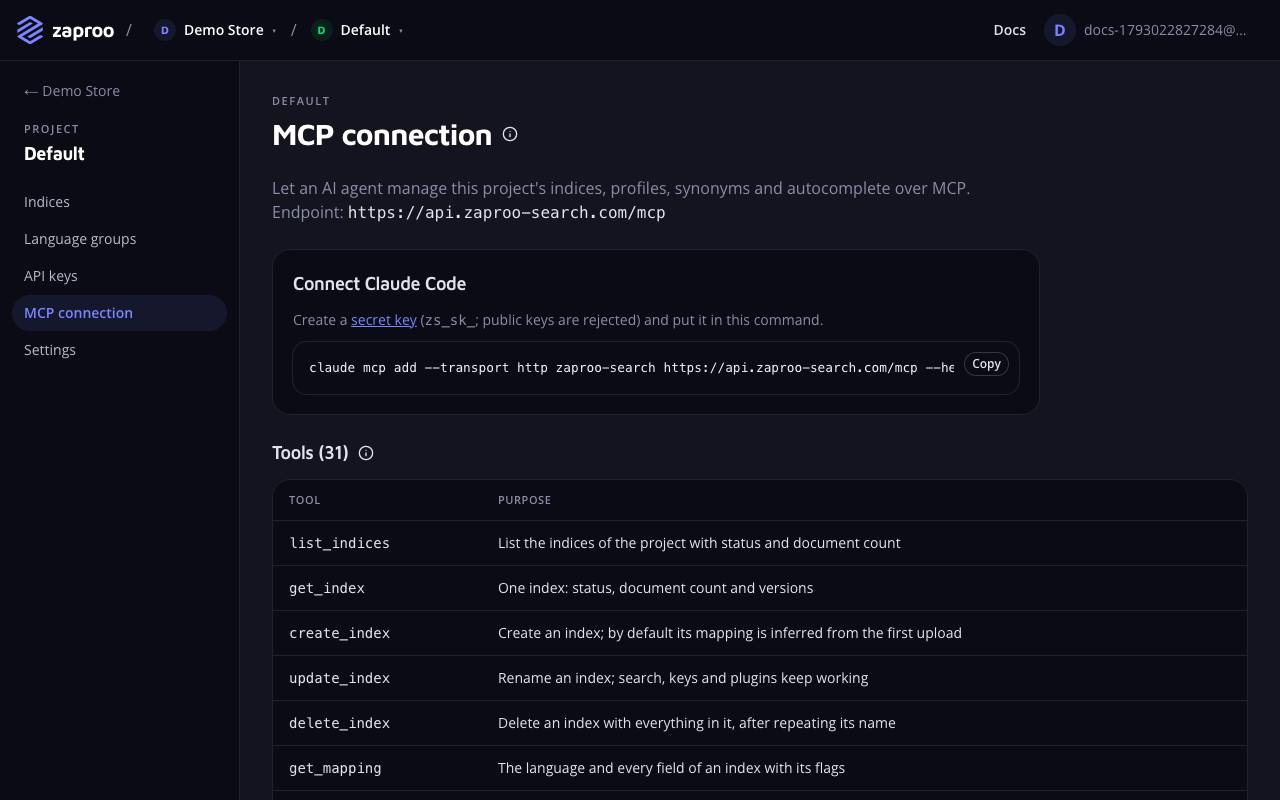 The command on this page already holds your endpoint
Create a secret key
Click the secret key link in the Connect Claude Code box, or open API keys in the project menu. Click New key, pick the type Secret key (sk), server side and the access you want to give the agent:
- Full access lets the agent change things: upload documents, save profiles, add synonyms and rules.
- Read only lets it look and search but change nothing. The agent can still propose changes for you to make.
Click Create key and copy the key (zs_sk_...). It is shown only once. Creating keys needs a verified email and the owner or admin role. See API keys.
The cabinet form has no field for an index scope. To keep an agent on one catalog, set the key's index scope through the API.
Public keys (zs_pk_...) don't work for MCP. The server refuses them; see errors.
Run the command
Click Copy next to the command, paste it into your terminal and replace zs_sk_YOUR_KEY with the key you just created:
claude mcp add --transport http zaproo-search https://api.search.zaproo.cloud/mcp --header "Authorization: Bearer zs_sk_YOUR_KEY"
Ask the agent something
Start Claude Code and try a request that only reads:
List the indices of my Zaproo project and show the mapping of the products index.
The agent calls list_indices and get_mapping. If it reports a 401 or 403, check the key; see errors.
Connect another MCP client
Any client that speaks MCP over Streamable HTTP works. Add the server to the client's configuration with the endpoint and the secret key in an Authorization header:
{
  "mcpServers": {
    "zaproo-search": {
      "type": "http",
      "url": "https://api.search.zaproo.cloud/mcp",
      "headers": { "Authorization": "Bearer zs_sk_YOUR_KEY" }
    }
  }
}
What the agent can do
Each tool runs the same service as the matching REST route, with the same checks and the same audit log. Writes to documents are asynchronous: they return a task id, and get_task tells when the work is done. Some work has no tool and stays in the cabinet, such as API keys, members and billing. See What the tools do not cover.
The table below matches the Tools list on the MCP connection page.
| Tool | What it does |
|---|---|
list_indices | List the indices of the project with status and document count |
get_index | One index: status, document count and versions |
create_index | Create an index; by default its mapping is inferred from the first upload |
update_index | Rename an index; search, keys and plugins keep working |
delete_index | Delete an index with everything in it, after repeating its name |
get_mapping | The language and every field of an index with its flags |
update_mapping | Replace the mapping; the answer says whether a reindex is needed |
update_fields | Change only the named fields and leave the rest of the mapping as it is |
get_facets | The facets of an index, which profiles without their own show |
update_facets | Replace the index facets, labels and order included |
reindex | Rebuild the index into a new version and swap it in without downtime |
index_documents | Add or replace up to 1000 documents (asynchronous, returns a task id) |
delete_documents | Delete up to 1000 documents by id (asynchronous) |
flush_documents | Delete every document of an index, irreversibly; the settings stay (asynchronous) |
get_task | Poll an asynchronous write: status, counts and per-document errors |
get_document | Read one stored document by id |
search | Search with a saved profile or an inline one, with filters, sort and facets |
list_profiles | The search profiles of an index and their profile keys |
upsert_profile | Create or replace a search profile |
preview_profile | Compare an unsaved profile with the saved one for the same query |
list_synonyms | The synonym rules of an index, page by page |
upsert_synonyms | Create or replace a synonym rule (equivalent or one way) |
delete_synonyms | Delete one synonym rule |
list_rules | The ranking rules of an index in the order they run, with what needs attention |
upsert_rule | Create or replace a ranking rule: pin, hide, boost or filter products for chosen searches |
delete_rule | Delete one ranking rule |
reorder_rules | Set the order ranking rules run in |
test_rule | Run a search with the rules that fire, and compare a draft rule before saving it |
suggest | Autocomplete a partial query, with facet hints |
rebuild_suggestions | Rebuild the autocomplete index from recent searches (asynchronous) |
list_assistant_conversations | The shopping assistant conversations, newest first, page by page |
get_assistant_conversation | One shopping assistant conversation with its messages and tool calls |
list_assistants | The shopping assistants of the project with their state and widget keys |
create_assistant | Create a shopping assistant; it starts disabled |
get_assistant | One shopping assistant with its settings and widget key |
update_assistant | Replace the settings of an assistant: sources, instructions, origins, appearance |
set_assistant_enabled | Switch an assistant live or off |
regenerate_assistant_key | Issue a new widget key; the old one stops working |
delete_assistant | Delete an assistant |
test_assistant | Run one test turn of an assistant, with a draft or the saved settings; uses tokens |
get_search_analytics | The analytics overview: searches, CTR, conversion, revenue and latency with a comparison, plus the timeline |
get_analytics_report | One report: queries, no-click, products, positions, filters, autocomplete, rules, refinements or opportunities |
get_query_analytics | One query day by day, with the synonyms and rules that touched it and the before/after |
To stop an agent, revoke its key on the API keys page. The next request it sends is refused.