Reindex and versions
Why reindex
Some mapping changes cannot apply to documents already stored: a new type, a field made searchable, a text analysis option, a new index language, a field your documents already carried. Zaproo saves such a change and marks the index NEEDS_REINDEX. Search keeps the previous mapping until a reindex rebuilds the index with the saved one. The cabinet then shows a Reindex needed warning on the index overview and on Fields & mapping.
Reindex when:
- the index status is
NEEDS_REINDEX; - the last build failed and the status is
FAILED; - you mapped an unmapped field and want search to cover the documents already uploaded.
A reindex rebuilds from the documents the index already stores, unmapped fields included. You do not send anything again. To rebuild from your own source data instead, use a full catalog sync.
Versions
Behind every index are numbered versions. Search reads exactly one of them.
activeVersionis the version search reads. A new index starts at 1.buildingVersionis the version being built, ornull. Only one version builds at a time.
A reindex or a replace session builds activeVersion + 1. When it is done, search moves to it in one step and activeVersion goes up by one. The previous version is kept for 24 hours, then deleted. There is no rollback through the API.
The cabinet shows Active version on the Indices list and the index overview. The Reindex panel shows the index status, the live version and, while one builds, the building version.
Start a reindex
- Open the index, then Fields & mapping. The Reindex panel is at the top of the page. While the index shows Reindex needed, the same panel also appears on the index overview.
- Click Reindex now. The reindex starts at once, with no confirmation step.
- Watch the progress bar, Copying documents: … of …. When the run ends, the panel shows Last reindex with its result.
Reindex now is off while a version is being built. Only organization owners and admins see the buttons.
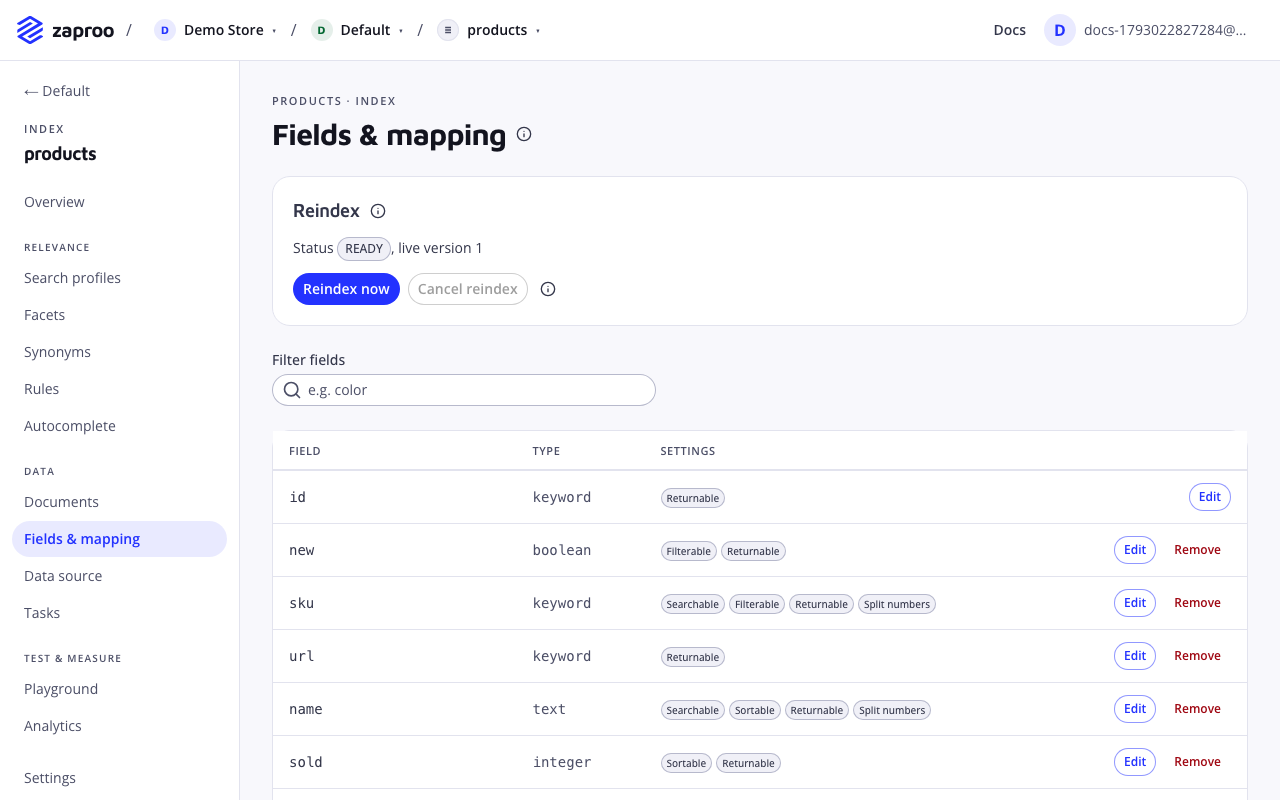
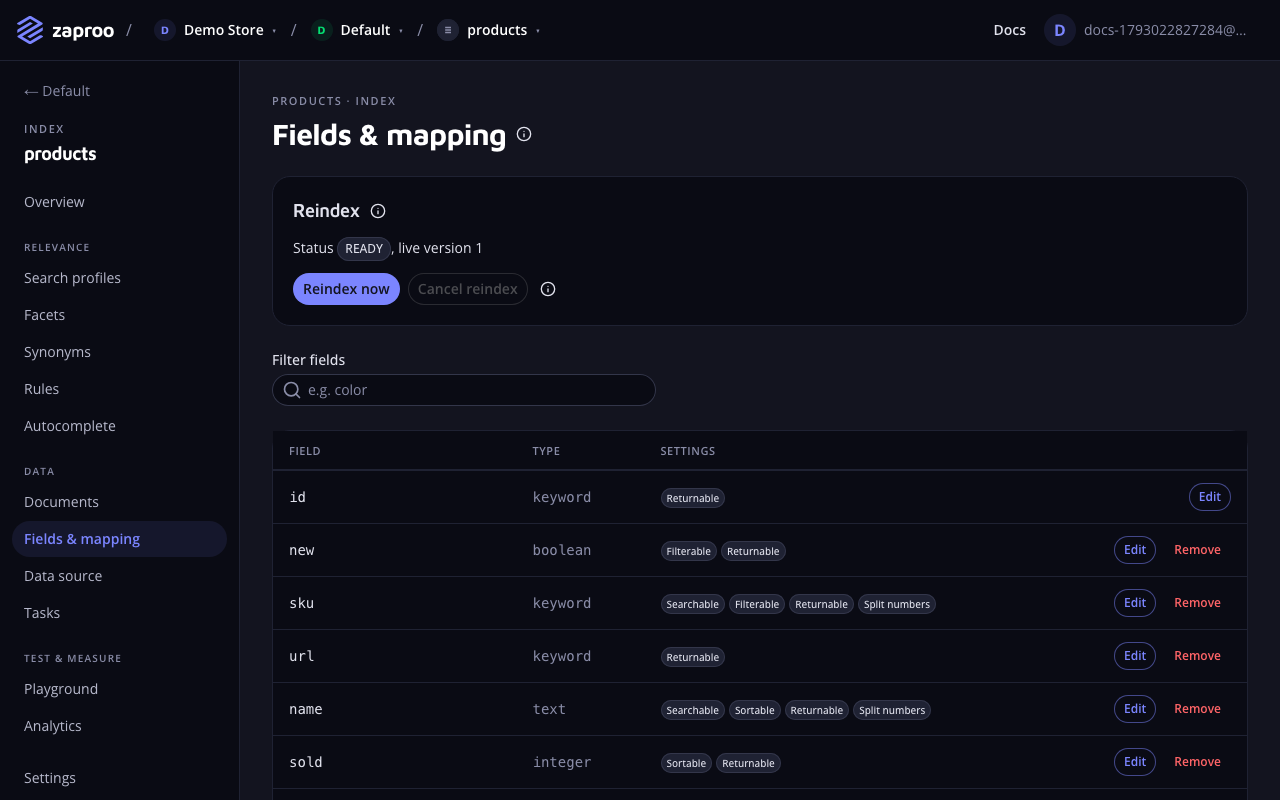 Reindex now sits in the Reindex panel on Fields & mapping
curl -X POST https://api.search.zaproo.cloud/v1/projects/$PROJECT_ID/indices/$INDEX_ID/reindex \
  -H "Authorization: Bearer $ZS_KEY"
# 202 {"taskId": "..."}
The products index needs a reindex. Start it and tell me when it is done.
The agent calls reindex, then get_task.
/v1/projects/:projectId/indices/:indexId/reindexProject admin or a full-access secret keyA reindex can start when the index is READY, NEEDS_REINDEX or FAILED. While a reindex or a replace session builds a version, the API answers 409 VERSION_BUILDING. If the saved mapping would break a profile, rule or facet once it goes live, the reindex (and a new replace session) answers 409 MAPPING_BREAKS_CONFIG with the same details as a mapping save.
What happens without downtime
- The API creates the new version with the saved mapping. The index status becomes
REINDEXING. From now on every upsert and delete goes to both versions. - The worker waits for document tasks that started before the build, so none of their writes is missed.
- The worker copies every stored document from the live version into the new one, which analyses them with the new mapping. Each document keeps its version, so a newer write that already reached the new version is not overwritten.
- The worker checks that both versions hold the same number of documents.
- Search moves to the new version in one atomic step. The status becomes
READY.
Search answers from the live version during steps 1 to 4, with the old mapping. Writes keep working the whole time. Additive mapping changes still save. Breaking ones answer 409 VERSION_BUILDING until the build ends.
Follow the progress
The REINDEX task reports progress while it runs: counts.received is the number of documents to copy and counts.succeeded the number copied so far. The cabinet's Reindex panel shows it as Copying documents: … of … and, after the run, Last reindex with its result.
The index names its running reindex in activeReindexTaskId, so a client that reloads can find the task again.
Cancel a reindex
Cancelling drops the version being built and marks the task CANCELLED. Search never left the live version, so nothing changes for shoppers. The index status goes back to READY, or to NEEDS_REINDEX if the saved mapping still has breaking changes.
In the cabinet, click Cancel reindex in the Reindex panel on Fields & mapping or on the index overview. It acts at once. The button is off when nothing is being built, and while a replace session is open.
With the API, the answer is the index:
POST/v1/projects/:projectId/indices/:indexId/reindex/cancelProject admin or a full-access secret keyErrors:
409 REINDEX_NOT_RUNNING: no version is being built.409 SESSION_OPEN: the version being built belongs to a replace session. Abort the session instead.
When a reindex fails
If the copy fails or the counts do not match, the new version is dropped and the task ends FAILED, with the reason in its errors. Open Tasks and click Details on the REINDEX task to read it. The index status becomes FAILED. Search and writes keep using the live version. A reindex is not retried automatically: read the error, fix the cause and start a new one.