Introduction
What Zaproo Search is
Zaproo Search is hosted site search for online shops. You bring your product catalog, decide how it is searched, and your storefront asks for results, facets and autocomplete suggestions. Zaproo runs the search engine, keeps the index up to date and records what shoppers search for.
Most of the work happens in the cabinet at /app, the dashboard you sign in to. It has forms for the settings, previews of the results while you change them, and the analytics. You need no code there until you connect your storefront.
Two other ways reach the same data, with the same rules and limits:
- The REST API at
https://api.search.zaproo.cloud/v1, with an API key, for scripts and catalog imports. - An AI agent such as Claude Code, through the MCP server at
https://api.search.zaproo.cloud/mcp. See MCP setup.
How the pieces fit
Everything you create sits in one tree. Each level belongs to exactly one parent.
Organization            your company: members, roles, plan and billing
└── Project             one shop or one environment (staging, production)
    ├── API keys        secret keys for your servers, public keys for browsers
    └── Index           one catalog in one language: mapping, documents, synonyms, rules
        ├── Search profiles   how one search box searches the index
        └── Autocomplete      suggestions while the shopper types
Organization
The organization is the account your team shares. It holds the members and their roles, the plan and the invoices. Registering creates an organization named after your company, with you as its owner. See Organizations, members and roles.
Project
A project groups the indices and API keys of one shop. Use separate projects for staging and production, so a staging key can never touch production data. Every organization starts with a project called Default. See Projects.
Index
An index holds one catalog in one language. Its mapping says which fields exist and what each field may be used for: searching, filtering, facets, sorting or returning. You add, change and delete products by uploading documents, and every upload runs as a task you can follow. See Indices.
Search profile
A search profile is the recipe for one search box: which fields a query looks in, typo tolerance, facets, sort orders and fixed filters. Each profile has a profile key, shown under its name on the Search profiles page, and your storefront searches with POST /v1/search/<profileKey>. One index can serve several profiles, for example the shop search page and a B2B catalog. See Search profiles.
API keys
API keys let programs call the API. A secret key (zs_sk_…) is for your servers and your AI agent. A public key (zs_pk_…) can only search and suggest, and only from the web origins you list. A storefront searches from the shopper's browser with a public key, or from its server with a read-only secret key. You create them on the project's API keys page. See API keys.
From catalog to search box
- Create an index and pick its language.
- Upload your products as a JSON file. The first upload maps the fields for you.
- Create a search profile: the fields to search, the facets and the sort orders.
- Create an API key and call the search and suggest routes from your storefront.
- Watch Analytics for searches with no results, then fix them with synonyms and ranking rules.
Quickstart walks through steps 1 to 4 in the cabinet, and shows the same steps with the API and with an AI agent. Once the index exists, its Overview page shows the steps that follow as a Setup checklist and ticks each one off:
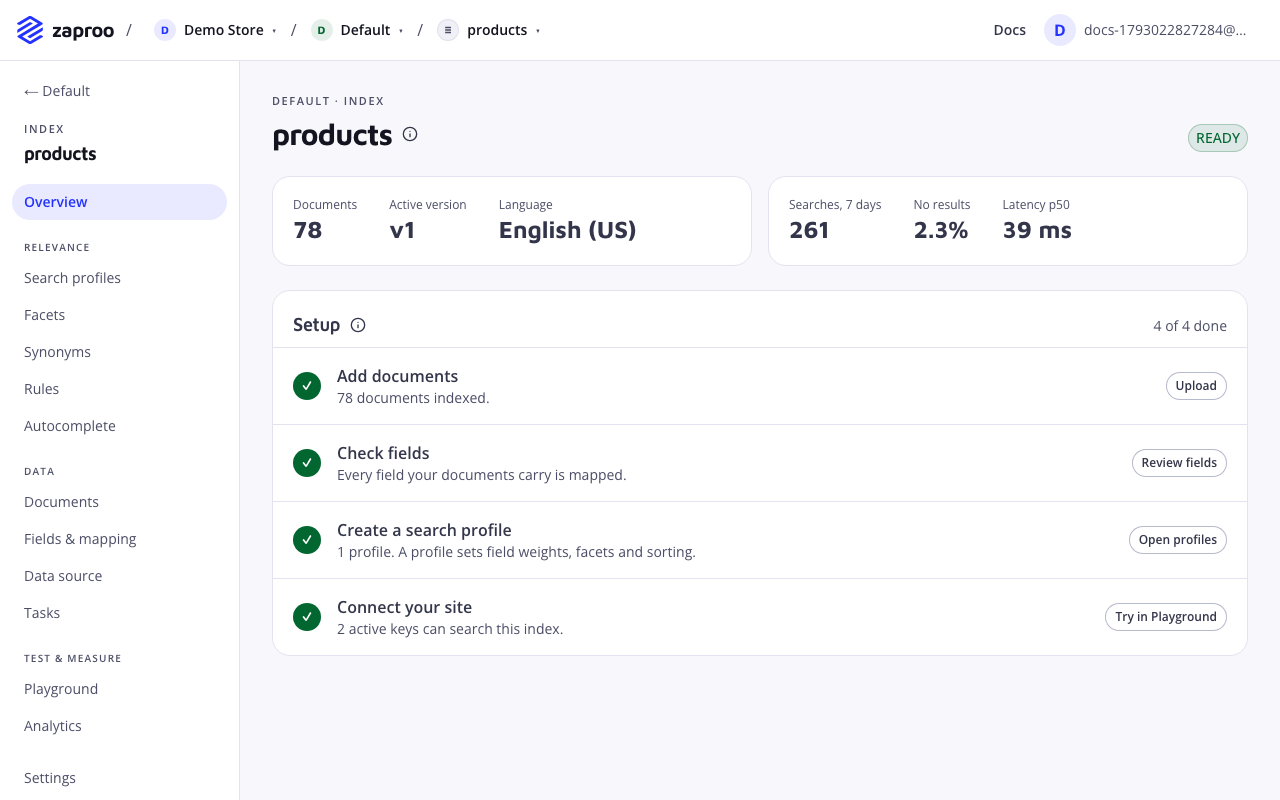
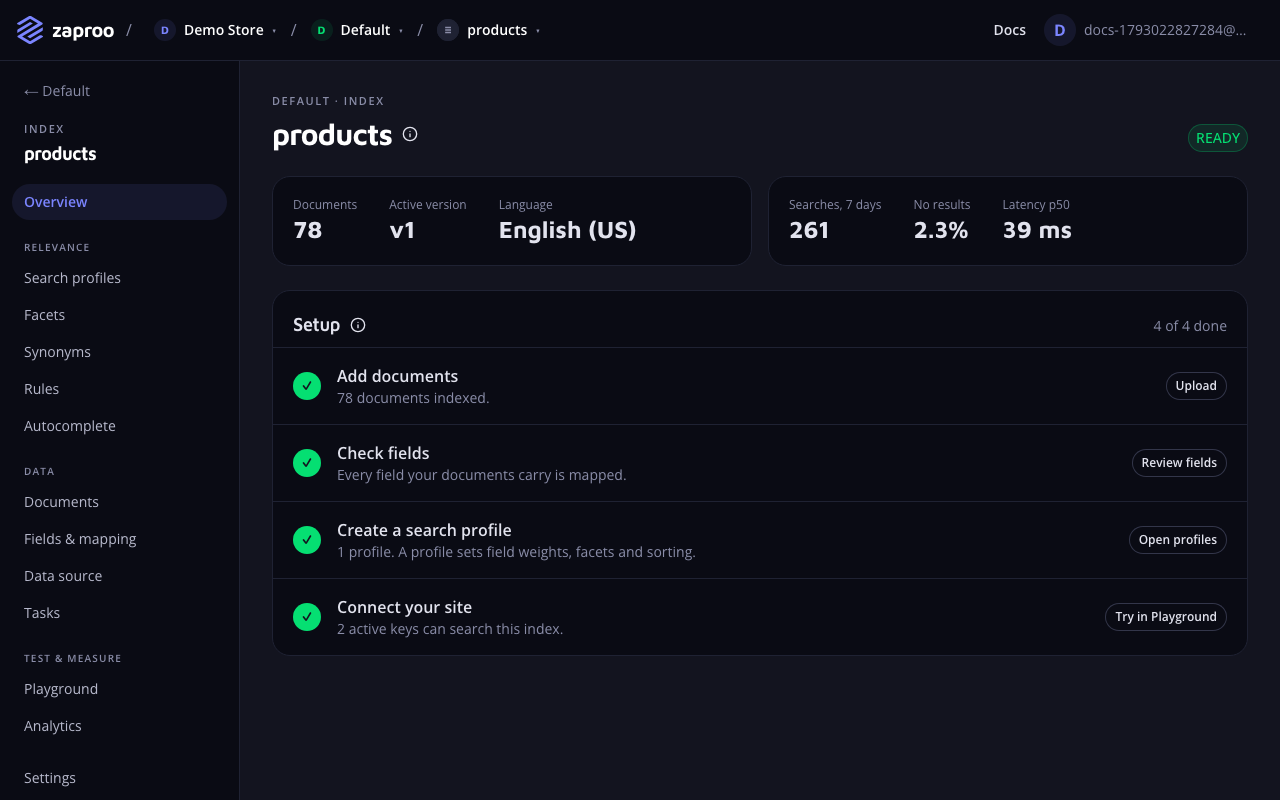 The Setup checklist on the index overview
Integrate a storefront shows how a search page, facets and autocomplete call the API.