Indices and languages
What an index is
An index holds one catalog: its documents, its mapping (the fields and what each is used for), its search profiles, synonyms and ranking rules. A project can hold several indices, for example one per shop language or one per brand. Searches never cross indices.
Each index has one language. The language decides how text is split into words, which word forms count as the same word and which short words are ignored.
Create an index
Give the index a name and a language. The name is unique in its project and 1 to 100 characters long. The language defaults to english.
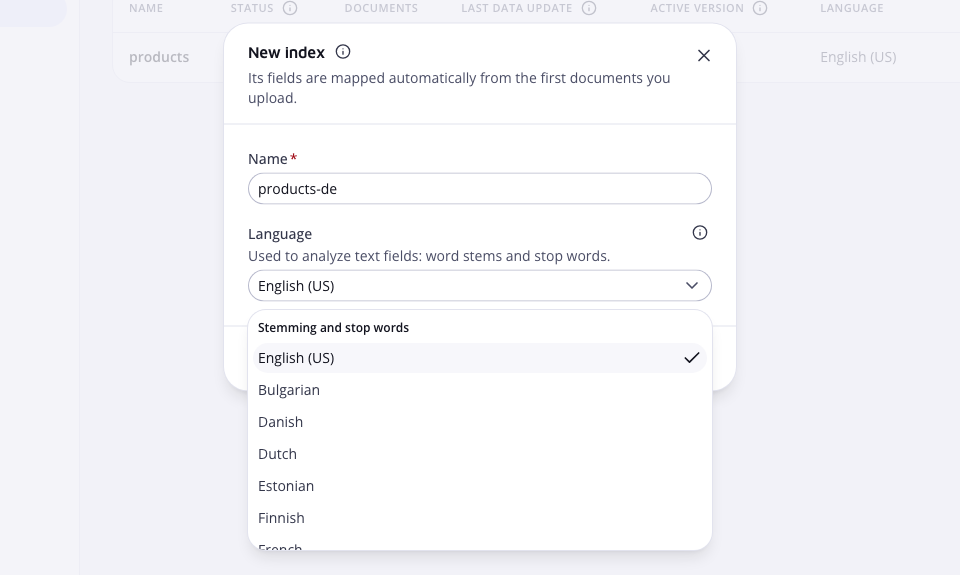
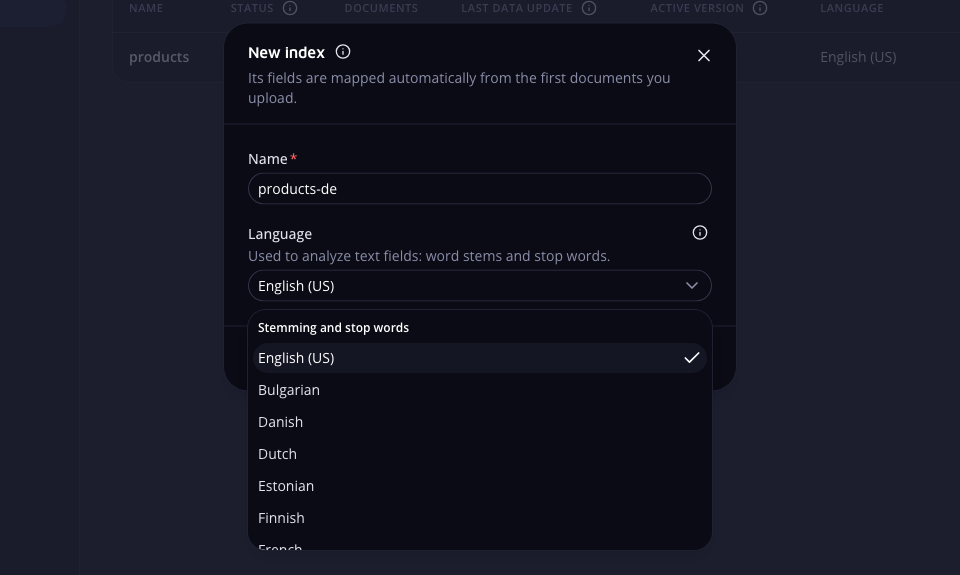 Create an index from the Indices page
Open Indices and click New index. Enter a Name, pick a Language and click Create index. Only organization owners and admins see the button.
curl -X POST https://api.search.zaproo.cloud/v1/projects/$PROJECT_ID/indices \
  -H "Authorization: Bearer $ZS_KEY" -H "Content-Type: application/json" \
  -d '{"name": "products", "language": "german"}'
Create an index called products in German.
The agent calls create_index.
The new index has only an id field. The first document upload maps every field it can recognise, and you can change them on Fields & mapping. See inferred mapping. Through the API you can instead send fields with the create request to control the mapping from the start.
/v1/projects/:projectId/indicesProject admin or a full-access secret keyGET/v1/projects/:projectId/indicesProject member or any secret keyGET/v1/projects/:projectId/indices/:indexIdProject member or any secret keyThe list and the single index return id, name, language, status, docCount, activeVersion and buildingVersion. The single index also returns activeReindexTaskId and openReplaceSessionId, so a client can pick up a running reindex or an open replace session again.
A key limited to some indices cannot create an index: the API answers 403 INDEX_SCOPED_KEY. Such a key sees only its own indices in the list. Any other index id answers 404.
Rename an index
The new name follows the same rules: unique in the project, 1 to 100 characters. Search, API keys and shop plugins address the index by its id, so they keep working under the new name.
Open the index, then Settings. Change Index name and click Save. Only organization owners and admins can rename an index.
curl -X PUT https://api.search.zaproo.cloud/v1/projects/$PROJECT_ID/indices/$INDEX_ID \
  -H "Authorization: Bearer $ZS_KEY" -H "Content-Type: application/json" \
  -d '{"name": "products-de"}'
Rename the products index to products-de.
The agent calls update_index.
/v1/projects/:projectId/indices/:indexIdProject admin or a full-access secret keyThe answer is the index with its new name.
Delete an index
Deleting an index removes its documents, profiles, rules, synonyms, autocomplete, data source and search analytics. Tasks that have not finished are cancelled. Searches that use the index stop at once. There is no undo.
The request repeats the index name exactly as it is saved, so a stray call cannot delete an index. A name that does not match answers 400 INDEX_NAME_MISMATCH and nothing is deleted.
Open the index, then Settings, and click Delete index. The dialog lists what goes. Tick I understand that this can't be undone and click Continue. Type the index name and click Delete this index. Only organization owners and admins can delete an index.
curl -X DELETE https://api.search.zaproo.cloud/v1/projects/$PROJECT_ID/indices/$INDEX_ID \
  -H "Authorization: Bearer $ZS_KEY" -H "Content-Type: application/json" \
  -d '{"name": "products"}'
Delete the products index.
The agent calls delete_index with the index name. It should ask you to confirm first.
/v1/projects/:projectId/indices/:indexIdProject admin or a full-access secret keyDELETE answers 204.
Organize indices in folders
Folders group the Indices list, one level deep. They only change how the list looks. Search, API keys and shop plugins do not see them.
- Create. Click New folder next to New index and give it a name, unique in the project.
- Move an index. Drag its row onto a folder. To take it out, drag it onto Move out of folder at the top of the list. Or click the row's move button (the up and down arrows) and pick a folder or No folder.
- Change the order. Drag a row above or below another one. A line shows where it lands. Dropping it on a row in another folder moves it there too. Or use Move up and Move down in the row's move menu. Everyone in the project sees the same order, and a new index goes last.
- Sort folders. Folders stay above the indices that are in no folder. Drag a folder row above or below another folder, or use Move up and Move down in its menu. A new folder goes last. A folder never goes inside another folder.
- Rename or delete. Use Rename or Delete in the folder's menu (the three dots). Deleting a folder moves its indices out of it. No index or document is deleted.
Folders start collapsed. The cabinet remembers which ones you opened in this browser. Each folder row shows how many indices it holds, their documents and the latest data update. Only organization owners and admins can change folders. Everyone else can open them.
With the API, create a folder with POST /v1/projects/:projectId/index-folders and move an index with PUT .../indices/:indexId and { "folderId": "..." }. Send null to move it out. Save the order with PUT .../indices/order and { "ids": [...] }, every index id of the project once, in the new order. Folders take the same with PUT .../index-folders/order.
Last data update
The Last data update column shows when the documents of an index last changed. It counts document uploads, document deletes, replace-all commits and delete-all. It does not count settings changes, reindexes or language group syncs. The API returns it as dataUpdatedAt. It is null for an index with no data write on record, and the list shows Never.
Index status
status tells you whether the index has what its saved mapping asks for. Search keeps working in every status except CREATING.
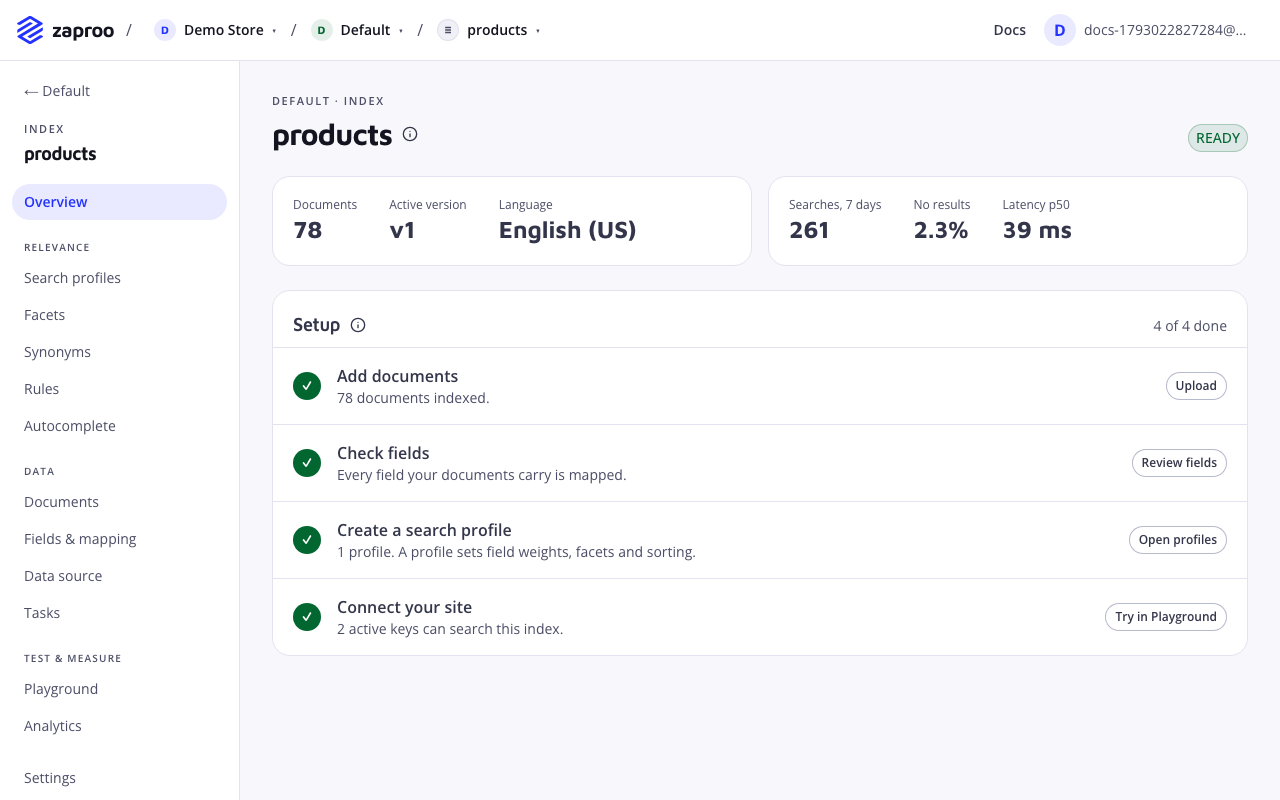
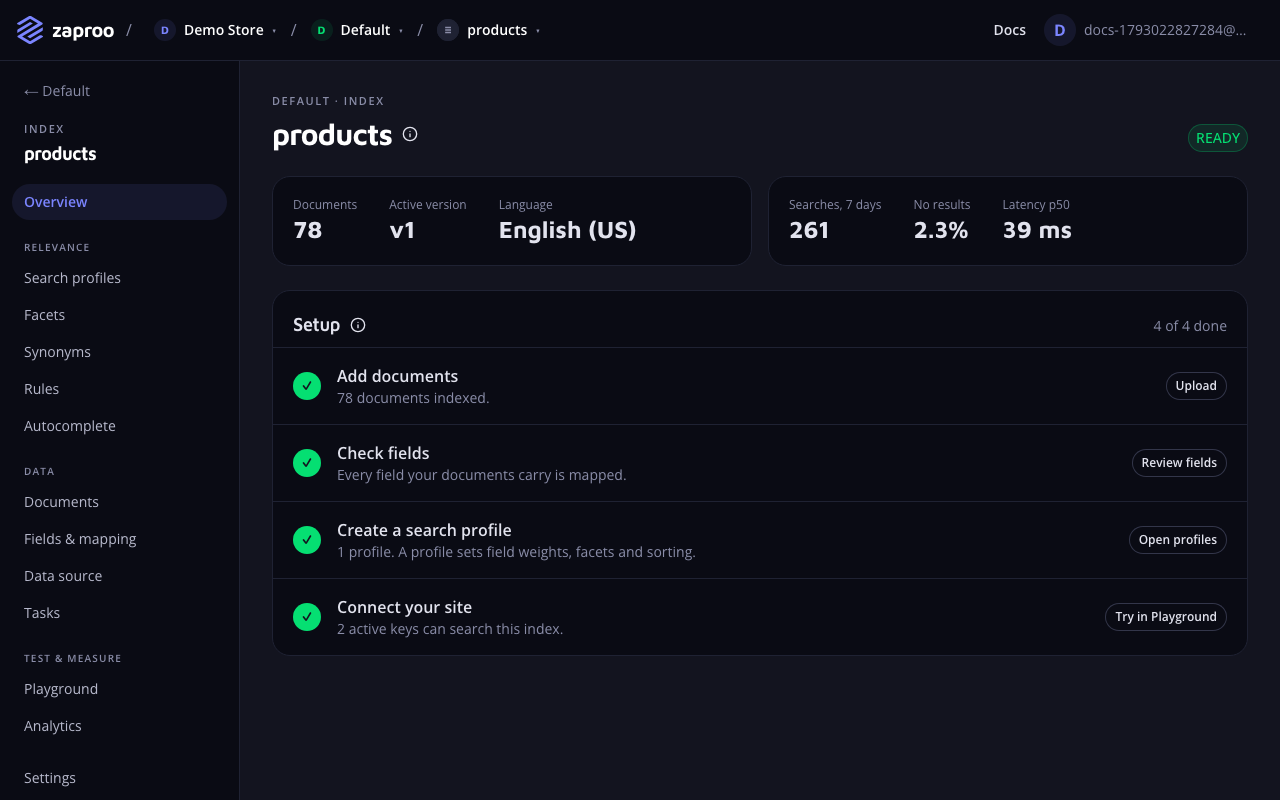 The index overview shows its status and what is left to set up
| Status | What it means | What to do |
|---|---|---|
CREATING | The index is being set up. It lasts a moment. If setup fails, the index is removed again. | Wait. |
READY | The live version matches the saved mapping. | Nothing. |
NEEDS_REINDEX | You saved a mapping with a breaking change. Search and writes use the live version with the previous mapping. | Reindex. |
REINDEXING | A new version is being built, by a reindex or a replace session. Writes reach both versions. | Wait, or cancel. |
FAILED | The last build failed and was dropped. Search uses the live version as before. | Read the task's errors, then reindex again. |
The cabinet shows the status on the Indices list and on the index overview. The overview also shows a Reindex needed warning while the status is NEEDS_REINDEX.
Languages
Every index language and the analysis it gets:
| Language | language | Analysis |
|---|---|---|
| English (US) | english | Stemming and stop words |
| Bulgarian | bulgarian | Stemming and stop words |
| Croatian | croatian | Basic matching: no word-form reduction |
| Danish | danish | Stemming and stop words |
| Dutch | dutch | Stemming and stop words |
| Estonian | estonian | Stemming and stop words |
| Finnish | finnish | Stemming and stop words |
| French | french | Stemming and stop words |
| German | german | Stemming and stop words |
| Greek | greek | Stemming and stop words |
| Hungarian | hungarian | Stemming and stop words |
| Italian | italian | Stemming and stop words |
| Latvian | latvian | Stemming and stop words |
| Norwegian | norwegian | Stemming and stop words |
| Polish | polish | Stemming and stop words |
| Portuguese | portuguese | Stemming and stop words |
| Romanian | romanian | Stemming and stop words |
| Russian | russian | Stemming and stop words |
| Serbian | serbian | Stemming and stop words |
| Slovenian | slovenian | Basic matching: no word-form reduction |
| Spanish | spanish | Stemming and stop words |
| Swedish | swedish | Stemming and stop words |
| Language-neutral | standard | Basic matching: no word-form reduction |
Language tiers
Languages come in two tiers.
- Stemming and stop words. Stemming reduces word forms, so "boxes" finds "box". Stop words such as "the" and "and" are ignored.
- Basic matching: no word-form reduction. Text is lowercased and accents are folded, so "Café" finds "cafe". "boxes" does not find "box". Croatian and Slovenian are in this tier.
standard(Language-neutral) is too: use it for a catalog in several languages or one made mostly of codes.
The cabinet groups the language picker by tier. The index overview shows the tier under the language when the language has basic matching only.
A single searchable field can use a different language from its index, for example an English title in a German index. See the field's Language option.
Change the language
The language is part of the mapping. A change re-analyses every text field, so it is a breaking change and needs a reindex. The cabinet has no control for it. Send the whole mapping with the new language:
PUT/v1/projects/:projectId/indices/:indexId/mappingProject admin or a full-access secret keycurl https://api.search.zaproo.cloud/v1/projects/$PROJECT_ID/indices/$INDEX_ID/mapping \
-H "Authorization: Bearer $ZS_KEY" > mapping.json
# edit "language" in mapping.json, then drop the "unmapped" list
curl -X PUT https://api.search.zaproo.cloud/v1/projects/$PROJECT_ID/indices/$INDEX_ID/mapping \
-H "Authorization: Bearer $ZS_KEY" -H "Content-Type: application/json" -d @mapping.json
The answer's diff lists the language change as breaking and the index moves to NEEDS_REINDEX. The index's language shows the new value at once, but search keeps the old analysis until you reindex.
Errors
| Code | When |
|---|---|
409 INDEX_NAME_TAKEN | The project already has an index with this name, on create or rename. |
409 INDEX_FOLDER_NAME_TAKEN | The project already has a folder with this name, on create or rename. |
404 INDEX_FOLDER_NOT_FOUND | The folder does not exist or belongs to another project. |
400 INDEX_ORDER_MISMATCH | The ids of an order are not every index of the project, each once. |
400 INDEX_FOLDER_ORDER_MISMATCH | The ids of a folder order are not every folder of the project, each once. |
400 INDEX_NAME_MISMATCH | The name sent with a delete is not the index name as saved. |
403 INDEX_SCOPED_KEY | A key limited to some indices tried to create one. |
400 LANGUAGE_UNAVAILABLE | The search cluster lacks the OpenSearch plugin the language needs. Polish needs analysis-stempel. The hosted service has it. |
404 INDEX_NOT_FOUND | The index does not exist, belongs to another project or is outside the key's scope. |
Related
Rate limits and errors
How many requests each route accepts per minute, what a 429 looks like, the error format and every error code with its HTTP status.
Mapping and fields
Field types, the five flags that decide what a field is used for, text analysis options, unmapped fields, and which changes need a reindex.